
Salesforce Release Checklist: What to Do Before and After Deployment
A Salesforce release checklist helps teams ensure that every stage of a release is properly executed — before and after deployment.
Many issues in Salesforce do not occur during deployment, but after release. Missing configurations, broken permissions, and inconsistent environments are common problems.
A structured checklist reduces these risks and helps teams deliver reliable releases across multiple environments.
What Is a Salesforce Release Checklist
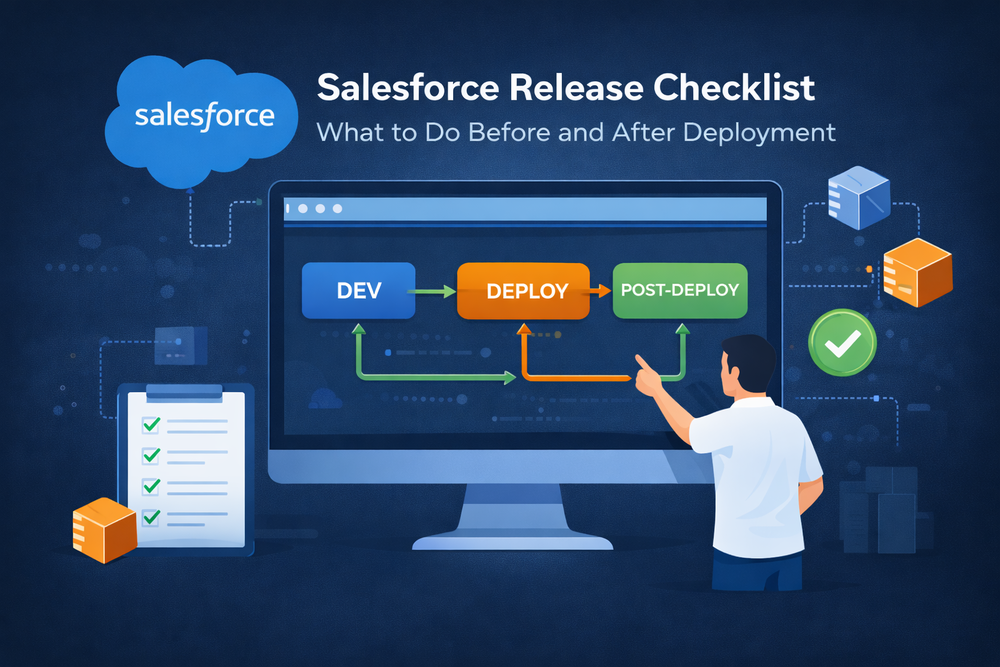
A Salesforce release checklist is a structured list of steps that must be completed before and after deployment.
It ensures that:
- Changes are validated before release
- Deployments are executed correctly
- Post-deployment tasks are not missed
- Environments remain consistent
A checklist is especially important for teams managing multiple orgs or frequent releases.
For a full overview of the release lifecycle, see
Pre-Deployment Checklist
1. Validate Requirements and Scope
Before starting deployment, confirm that all changes are clearly defined and approved.
This includes:
- Business requirements
- Technical scope
- Dependencies between components
Clear scope prevents unexpected issues later in the process.
2. Ensure Version Control Is Up to Date
All changes should be committed and tracked in version control.
Teams typically use Git to:
- Track modifications
- Maintain history
- Enable collaboration
This ensures that deployments are reproducible and traceable.
3. Run Comprehensive Testing
Testing should go beyond basic validation.
Include:
- Unit tests
- Integration tests
- User acceptance testing (UAT)
Salesforce testing requirements
Proper testing reduces the risk of production issues.
4. Check Environment Consistency
Ensure that source and target environments are aligned.
This includes:
- Metadata structure
- Configurations
- Permissions
Inconsistent environments are a common cause of deployment failures.
5. Prepare Deployment Strategy
Define how deployment will be executed:
- CI/CD pipeline
- Change sets or packages
- Rollout plan
Learn more about deployment workflows
6. Plan Rollback and Validation
Prepare for failure scenarios.
Define:
- Rollback steps
- Validation criteria
- Monitoring plan
Rollback strategies are critical for safe releases
Post-Deployment Checklist
1. Validate Deployment Results
After deployment, verify that changes were applied correctly.
Check:
- Objects and fields
- UI components
- Business logic
Deployment success does not guarantee system correctness.
2. Update Configurations
Salesforce does not automatically update all components.
Post-deployment tasks often include:
- Updating page layouts
- Adjusting permissions
- Applying configuration changes
More details on post-deployment processes
3. Execute Scripts and Data Updates
Some changes require additional execution after deployment.
This may include:
- Data migrations
- Apex scripts
- Business logic adjustments
Execution across environments can be managed here
4. Synchronize Environments
Ensure all environments remain consistent after release.
This is especially important in multi-org setups where differences can cause issues.
5. Monitor System Behavior
After release, monitor system performance and behavior.
Check for:
- Errors
- Unexpected results
- Performance issues
Monitoring helps detect problems early.
6. Communicate Release Changes
Ensure that stakeholders are informed about:
- New features
- Updates
- Known limitations
Clear communication improves adoption and reduces confusion.
Common Mistakes When Using a Release Checklist
Even with a checklist, teams may still face issues.
Common mistakes include:
- Skipping post-deployment steps
- Relying too much on manual updates
- Ignoring environment differences
- Lack of validation
More common mistakes are covered here
How a Release Checklist Improves Reliability
A structured checklist helps teams:
- Reduce manual errors
- Ensure consistency across environments
- Improve release predictability
- Scale operations effectively
It transforms deployments into controlled and repeatable processes.
How ZuppIO Supports the Release Checklist
ZuppIO helps teams execute Salesforce release checklists more efficiently, especially in post-deployment stages.
It enables:
- Automated updates across multiple orgs
- Execution of scripts at scale
- Consistent configuration management
For example, bulk updates across environments
This reduces manual work and ensures reliable releases.
Conclusion
A Salesforce release checklist is essential for delivering reliable and consistent releases.
Deployment alone is not enough. Teams must validate, update, and monitor systems after release to ensure everything works correctly.
By following a structured checklist, organizations can reduce errors, improve efficiency, and scale their release processes effectively.
What is a Salesforce release checklist?
A Salesforce release checklist is a structured set of steps used to ensure that all stages of a release — before and after deployment — are properly executed.
Why is a release checklist important in Salesforce?
It helps reduce errors, ensures consistency across environments, and prevents issues that typically occur after deployment.
What should be included in a release checklist?
A checklist should include pre-deployment validation, testing, deployment steps, post-deployment updates, and monitoring activities.
What happens if post-deployment steps are skipped?
Skipping post-deployment steps can lead to missing configurations, inconsistent environments, and production issues.