
Salesforce Release Rollout Strategy: Safe Deployment at Scale
A Salesforce release rollout strategy helps organizations deploy updates safely across multiple environments and Salesforce orgs.
Modern Salesforce ecosystems rarely consist of a single production environment. Instead, organizations typically operate several environments, including development orgs, sandbox testing environments, staging environments, and production systems. In large enterprises and ISV ecosystems, releases may also affect dozens or even hundreds of Salesforce orgs.
Because of this complexity, deployments must be carefully coordinated. A successful release is not only about delivering metadata changes. Instead, it requires a structured rollout strategy that introduces updates gradually and safely.
Without a proper Salesforce release rollout strategy, teams may encounter several operational issues, including:
- inconsistent system behavior across environments
- integration disruptions
- automation conflicts
- unexpected production incidents
Therefore, organizations must implement controlled rollout processes that allow them to deploy Salesforce updates safely at scale.
For a deeper look at coordinating releases across environments, see our article on Salesforce Release Coordination Across Multiple Environments.
What Is a Salesforce Release Rollout Strategy?
A Salesforce release rollout strategy defines how updates are introduced into production environments in a controlled and predictable way.
Instead of deploying changes everywhere simultaneously, organizations roll out releases gradually. As a result, teams can observe system behavior, validate integrations, and detect potential issues early.
A typical rollout strategy includes several key stages:
- staged deployments
- validation checkpoints
- monitoring phases
- rollback procedures
Because each stage introduces additional verification, rollout strategies significantly reduce the risk of large-scale production incidents.
Why Safe Deployment Matters at Scale
As Salesforce ecosystems grow, deployment risks increase.
Large organizations often operate complex Salesforce architectures that include:
- multiple production environments
- large sandbox landscapes
- extensive automation frameworks
- numerous external integrations
Salesforce recommends adopting structured DevOps practices to manage these environments efficiently.
However, even with automated pipelines, deployment alone does not guarantee operational stability. For example, data variations, automation triggers, and integration dependencies may behave differently in production environments.
Consequently, safe deployment strategies become essential when managing Salesforce at scale.
Common Risks During Salesforce Release Rollouts
Even well-tested releases can introduce unexpected issues during rollout. Understanding these risks helps teams design safer deployment strategies.
Automation Conflicts
Salesforce environments often contain numerous workflows, flows, triggers, and automation rules.
When new configurations are introduced, they may interact with existing automation in unexpected ways. For instance, a new workflow might trigger additional processes that were not activated during testing.
Therefore, automation conflicts remain one of the most common sources of post-deployment issues.
Integration Disruptions
Salesforce environments frequently integrate with external systems such as:
- ERP systems
- marketing platforms
- payment services
- internal APIs
Salesforce provides architectural guidance for designing reliable integrations through its current Data Integration Decision Guide, and Salesforce also maintains separate integration pattern guidance for broader architecture work.
Salesforce data integration decision guide.
However, metadata changes may affect integration behavior. As a result, integrations should always be validated during rollout phases.
Configuration Drift
Configuration drift occurs when Salesforce environments evolve independently over time.
For example, administrators may change permissions, layouts, or automation in specific environments. Consequently, deployments may behave differently across environments.
Organizations often rely on tools such as Mass Post-Install Updates to synchronize subscriber-editable components.
Maintaining consistent configurations significantly reduces rollout risks.
Production Performance Impact
Large deployments may trigger several background processes.
For example, after deployment:
- sharing rules may recalculate
- automation may execute on large datasets
- scheduled jobs may start simultaneously
These processes can temporarily increase system load. Therefore, rollout strategies should consider system performance during activation phases.
Key Principles of a Salesforce Release Rollout Strategy
Organizations that deploy Salesforce updates successfully at scale usually follow several operational principles.
These principles help maintain predictable deployments and reduce operational risks.
Staged Rollouts
Instead of deploying changes everywhere simultaneously, teams deploy updates in stages.
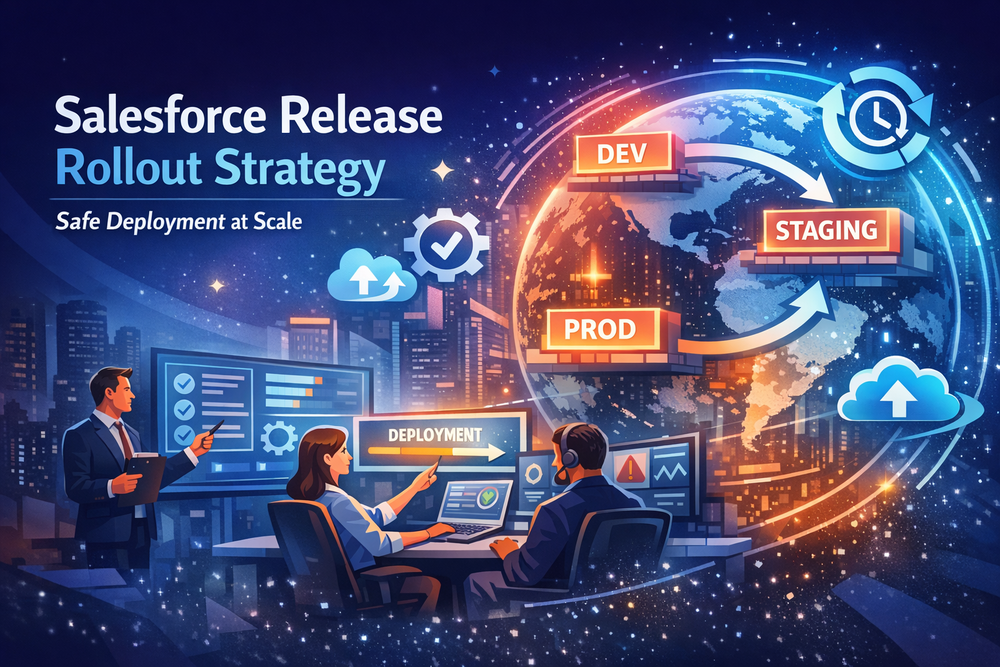
A typical rollout sequence may include:
- sandbox validation
- staging environment verification
- limited production rollout
- full production deployment
By gradually expanding the rollout scope, teams can detect potential issues early and stop the rollout if necessary.
Validation Before Activation
Before activating changes in production, teams validate several critical elements.
These checks typically include:
- metadata dependencies
- configuration compatibility
- integration availability
- automation behavior
Tools such as Validation and Revert help teams verify deployments and restore previous states if needed.
Rollback Readiness
Even well-planned deployments may encounter unexpected problems.
Therefore, every rollout strategy must include rollback procedures. These procedures allow teams to restore the previous system state quickly if the rollout introduces instability.
Rollback readiness significantly improves release safety.
Environment Synchronization
Maintaining consistent configurations across environments reduces the likelihood of rollout failures.
Organizations often synchronize environments using automated deployment tools such as Mass ZIP Deploys.
Synchronization helps ensure that environments behave consistently during rollout.
Scaling Salesforce Release Rollouts Across Multiple Orgs
For organizations managing multiple Salesforce orgs, rollout complexity increases significantly.
Common scenarios include:
- enterprise multi-org architectures
- regional Salesforce deployments
- managed package upgrades
- large subscriber ecosystems
For example, Salesforce ISVs may need to deploy updates across hundreds of customer environments.
Automation tools such as Mass Package Install and Upgrade help manage deployments across many orgs simultaneously.
Automation significantly improves rollout efficiency and consistency.
Monitoring During Release Rollouts
Monitoring plays a critical role during release rollout phases.
Teams typically monitor several aspects of system behavior, including:
- system performance
- integration activity
- automation execution
- user interactions
Continuous monitoring allows teams to detect anomalies early. As a result, they can pause rollouts and resolve issues before they affect a large number of users.
How Salesforce Teams Implement Safe Release Rollouts
In practice, organizations combine several operational practices to manage rollout strategies effectively.
These practices typically include:
- automated deployment pipelines
- environment synchronization processes
- validation workflows
- monitoring and rollback mechanisms
Many teams integrate their pipelines with Salesforce using CI/CD integration tools.
By combining these practices, organizations can deploy Salesforce updates safely across complex environments.
Conclusion
A Salesforce release rollout strategy ensures that updates are introduced safely and predictably across multiple environments.
As Salesforce ecosystems grow, deployment automation alone is no longer sufficient. Instead, organizations must combine several operational practices:
- staged deployments
- validation procedures
- environment synchronization
- monitoring and rollback readiness
Together, these practices help maintain stable Salesforce systems while allowing teams to deliver new functionality continuously.
What is a Salesforce release rollout strategy?
A Salesforce release rollout strategy defines how updates are gradually introduced into production environments to reduce operational risks and maintain system stability.
Why are staged deployments important in Salesforce?
Staged deployments allow teams to validate system behavior before expanding the rollout to additional environments. As a result, potential issues can be detected early.
How do teams deploy Salesforce updates safely?
Organizations deploy updates safely by combining deployment automation, environment synchronization, validation workflows, and operational monitoring.
What risks occur during Salesforce deployments?
Common risks include automation conflicts, integration disruptions, configuration drift between environments, and temporary performance impacts after deployment.
How do organizations manage releases across multiple Salesforce orgs?
Organizations typically use deployment automation, staged rollout strategies, monitoring tools, and coordinated release processes to manage updates across multiple Salesforce environments.