
Salesforce Release Monitoring Checklist: What to Verify After Deployment
Salesforce release monitoring checklist starts right after a deployment finishes, not when users report problems.
A Salesforce deployment completes successfully.
The pipeline is green, tests passed, and technically everything looks correct.
Yet 10–20 minutes later users begin reporting problems. Someone cannot edit records anymore. A Flow stops creating opportunities. A required field disappears from the layout. An integration quietly stops syncing data.
Nothing failed during deployment — but the system still broke.
This situation is extremely common in Salesforce environments because a deployment validates metadata consistency and execution capability, while business operations depend on runtime behavior. Salesforce confirms the platform accepts the change — not that real users can operate on it safely.
This gap between technical success and operational readiness is why mature teams perform post-deployment validation automation immediately after deployment.
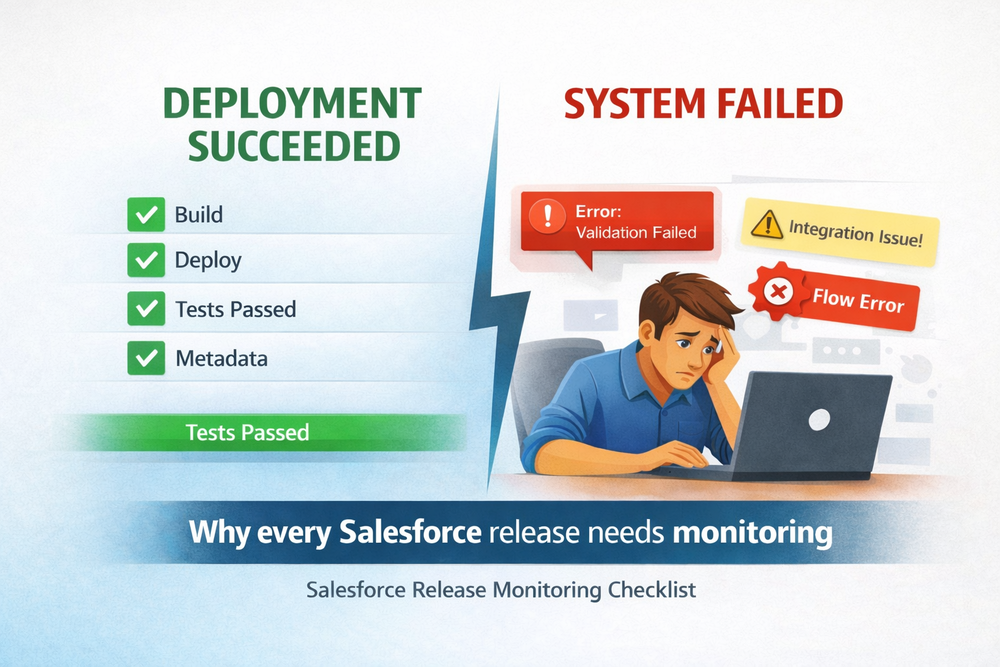
Operational Readiness vs Deployment Success
Deployment confirms the platform accepts the change.
Operational readiness confirms the organization can operate on that change.
Sandbox testing validates correctness.
Production monitoring validates compatibility.
In Salesforce, most failures are contextual rather than technical — they appear only when real users, permissions, integrations and real data interact with the new version.
You can review official guidance about release management in Salesforce Help: Release Management.
Why Salesforce Deployments Break After Release
Metadata vs Runtime Behavior
A deployment verifies components exist, dependencies match and tests execute successfully. However Salesforce is configuration-driven. The actual behavior depends on profiles, layouts, automation and production data.
A Flow may run perfectly in sandbox because the test user has full permissions and predictable data. In production the same Flow fails because a profile lacks access to a field, record types differ or validation rules behave differently.
From a platform perspective nothing is wrong — from a business perspective the process is broken.
Subscriber-Editable Configuration Drift
Salesforce allows direct production configuration changes: page layouts, picklists, permissions and reports evolve over time. Sandboxes rarely stay perfectly synchronized.
After deployment, metadata aligns but configuration context does not.
Two environments run the same version — yet behave differently.
This drift is one of the main sources of post-deployment incidents and often requires mass post-install updates.
Data-Dependent Automation
Automation heavily depends on real production data. Validation rules, triggers and flows rely on field values, relationships and historical records.
Sandboxes validate logic.
Production validates compatibility with real business scenarios.
Failures appear only when real users perform real operations.
Typical remediation involves running execute anonymous Apex in production safely.
Integration Contract Mismatch
External systems introduce additional runtime risk:
- cached schemas in external services
- outdated API contracts
- expired authentication tokens
- downstream validation failures
These issues never appear during deployment because they require live system interaction.
They surface only after the first real transaction and must be monitored using CI/CD and integration monitoring workflows.
For deeper guidance on monitoring events and system activity in Salesforce, see An Architect’s Guide to Event Monitoring and the Trailhead module Platform Events.
When Release Monitoring Should Start
Release monitoring should begin immediately after deployment and before users return.
Ideally verification runs during a controlled window — after release, before announcements and before business hours.
Every minute between deployment and monitoring increases the chance users discover problems first.
The goal is simple: detect operational issues before business impact.
Before Users Login: Salesforce Release Monitoring Checklist Step
Before announcing a release, teams should execute a Salesforce release monitoring checklist to confirm operational readiness and prevent business disruption.
The period immediately after deployment but before users log in is the safest moment to validate production behavior. During this window the system contains real configuration and real data, yet no active business processes depend on it. This allows teams to detect runtime problems without affecting operations.
At this stage verification should simulate real user activity rather than technical validation. Instead of checking whether components exist, teams confirm whether users can complete business actions: creating records, triggering automation, updating data and interacting with integrations.
If monitoring starts only after the announcement, the first testers become business users. At that point every detected issue is already an incident.
Running verification before users return turns deployment from a risky event into a controlled release process.
Salesforce Release Monitoring Checklist for Production Validation
Below is a practical checklist teams should execute after every release.
The purpose of this checklist is not to re-test development work but to verify production compatibility. Sandbox testing confirms logic correctness, while post-deployment validation confirms operational behavior in a real environment.
Each step focuses on business capability: user access, automation execution, integrations and data consistency. When any of these fail, the release is technically successful but operationally incomplete.
A structured checklist ensures releases are evaluated consistently across teams and environments. Instead of relying on memory or experience, organizations follow a repeatable verification process that detects configuration drift, permission conflicts and data-dependent failures.
Over time this approach transforms releases from reactive troubleshooting into predictable operations.
Verify User Access (Salesforce Post Deployment Checklist)
Confirm users can perform daily operations.
Verify:
- object access
- field visibility
- record types
- permission sets
- login ability
Many “system failures” are actually access mismatches introduced by metadata changes and require mass access management.
UI & Layout Verification
Ensure the interface supports business workflows.
Check:
- required fields visible
- Lightning pages load
- buttons available
- related lists present
- dynamic forms sections correct
A working backend with a broken UI is still downtime.
Validate Automation Behavior After Deployment
Create and update records to confirm:
- flows execute
- triggers fire
- validation rules behave correctly
- scheduled jobs run
- async Apex processes complete
Automation failures are the most common post-release incidents.
Some teams deploy hotfixes via mass ZIP deploys.
Data Integrity
Verify business transactions produce correct results.
Check:
- record creation
- rollups
- relationships
- validation conflicts
- unexpected required fields
The system must not only run — it must produce correct outcomes.
Verify Integrations After Salesforce Deployment
Trigger real events and confirm synchronization.
Verify:
- API authentication
- outbound webhooks
- inbound processing
- data mapping
- downstream validation
For package-based apps this often requires mass package install and upgrade management.
Background Processes
Review asynchronous operations:
- queueables
- batch jobs
- scheduled automation
- sharing recalculations
Failures here appear delayed and cause accumulating data corruption.
Detect Performance Issues After Release
Check system stability indicators:
- error spikes
- slow queries
- timeouts
- governor limits
- selectivity warnings
Operational readiness includes performance, not only correctness.
Manual vs Automated Monitoring
Teams often start with manual verification, but complexity quickly makes it unreliable. Human checks are slow, inconsistent and dependent on memory. Large releases make full validation practically impossible.
Automated monitoring converts release validation into a repeatable process. Predefined scenarios simulate real business actions and confirm operational readiness within minutes.
Traditional DevOps tools ensure the change is delivered.
Release validation ensures the organization can operate on that change.
ZuppIO automates this verification layer by executing post-deployment operational checks — validating access, automation behavior and data interactions before users return.
Conclusion
A Salesforce deployment is a technical milestone, not the end of the release.
Deployment success means code is delivered.
Release success means the business continues operating safely.
Running a Salesforce release monitoring checklist after every deployment turns releases from risky events into predictable operations.
Release monitoring ensures the second — and that is what actually matters.
What is a Salesforce release monitoring checklist?
A Salesforce release monitoring checklist is a structured post-deployment verification process that confirms the system works correctly in production after a release.
Unlike deployment validation, which checks metadata consistency and test execution, release monitoring verifies real business functionality: user access, automation behavior, integrations and data integrity.
Its purpose is to ensure operational readiness — meaning users can safely continue working without disruptions.
Without monitoring, teams only learn about problems after users encounter them.
Why can a Salesforce deployment succeed but still break the system?
Because Salesforce validates technical compatibility, not business behavior.
Deployment ensures:
- Metadata compiles
- Tests pass
- Components exist
But real operation depends on:
- Permissions
- Layout configuration
- Real production data
- Automation execution
- External integrations
A Flow may pass all tests yet fail for real users due to missing field permissions or different record types.
So the platform is technically healthy while the business process is broken.
When should release monitoring start?
Immediately after deployment and before users log in.
This short window is critical because:
- Production configuration is already applied
- Real data is present
- No business operations depend on the system yet
Running checks during this period allows teams to detect runtime failures safely.
If monitoring starts after announcement, users become testers and every detected issue becomes an incident.
What should be verified after a Salesforce deployment?
A complete Salesforce release monitoring checklist should verify:
- User permissions and access
- Page layouts and UI behavior
- Automation (Flows, Apex, validation rules)
- Data creation and updates
- Integrations and API communication
- Background jobs and scheduled processes
- Errors and performance
The goal is not confirming the release exists — but confirming the business can operate normally.
Can release monitoring be automated?
Yes, and mature teams automate it.
Manual verification is unreliable because:
- It depends on memory
- Steps are skipped
- Large releases cannot be fully checked
- Results differ between engineers
Automated monitoring runs predefined business scenarios immediately after deployment and confirms operational readiness in minutes.
This transforms releases from reactive troubleshooting into predictable operations.
How is release monitoring different from testing?
Testing validates correctness before deployment.
Release monitoring validates behavior after deployment.
| Stage | Purpose |
|---|---|
| Testing | Does the change work? |
| Deployment | Can the platform run it? |
| Release Monitoring | Can the business operate with it? |
All three are required for a safe Salesforce release process.