
Salesforce Operational Readiness: Ensuring Production Is Actually Ready
Salesforce operational readiness is the ability of a production environment to safely handle real business activity after a release.
Many teams consider a release complete when deployment succeeds.
Tests pass, the pipeline is green, and metadata is in production.
But at that moment the system has not yet proven it can operate.
A Salesforce environment becomes real only when users begin working:
records update, automation triggers, integrations reconnect, and background processes execute.
This is when the platform reveals its true behavior — and when most incidents actually appear.
A deployment confirms the system can start.
Operational readiness confirms the business can continue.
For background on how releases are technically delivered, see Salesforce release management fundamentals.
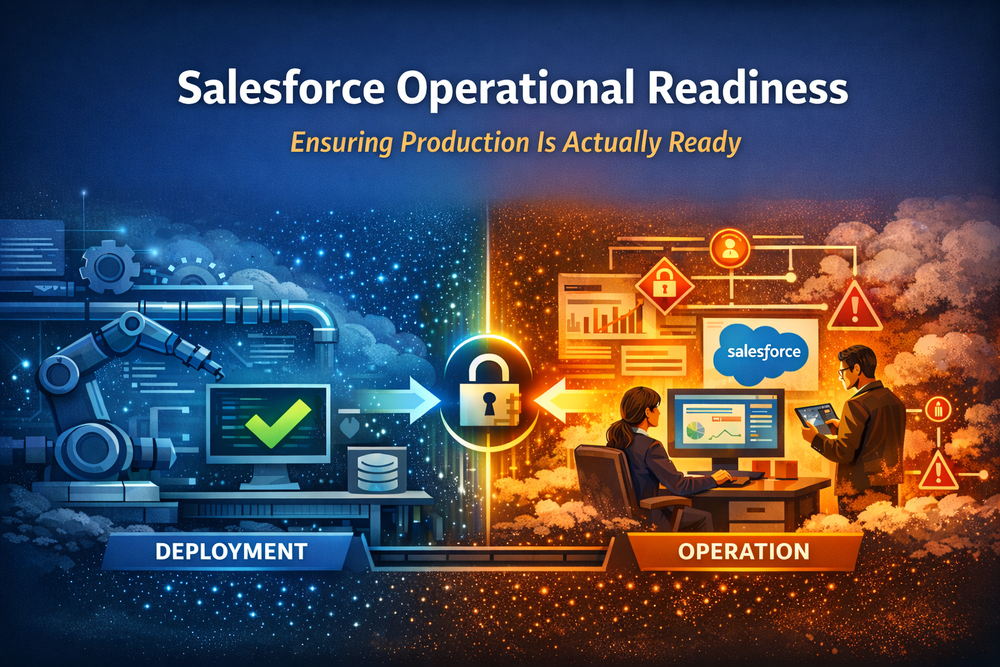
What Operational Readiness Means in Salesforce
Operational readiness is neither monitoring nor deployment validation.
It is the state where:
users can perform real workflows
permissions behave as expected in real data context
automation produces predictable outcomes
integrations exchange valid data
background processes stabilize
performance remains consistent
In other words, the system behaves correctly under real conditions — not only in a testing scenario.
Deployment answers a technical question:
Can the change be delivered?
Operational readiness answers a business question:
Can people safely use the system?
Related concept: Salesforce release monitoring checklist
Why Salesforce Requires Operational Readiness
Salesforce behaves differently from traditional applications because it is a state-driven platform rather than a purely code-driven one.
Stateful platform behavior
The platform operates on existing data, historical records, access hierarchies, and configuration relationships.
New logic interacts with old information immediately after release.
Delayed execution
Processes do not finish at deployment time.
Sharing recalculations, async Apex, flows, and scheduled automation continue executing after the release.
User-triggered activation
Many flows and validation paths run only when real users perform real actions.
Testing environments rarely reproduce production behavior patterns.
Integration timing
External systems reconnect independently of deployment timing.
Synchronization frequently reveals schema mismatches, permissions conflicts, or unexpected automation chains.
For an authoritative description of event-driven runtime behavior see Platform event / event-driven guidance.
Because of this, production stability emerges over time — not instantly after deployment.
The Hidden Risk Window After Every Release
Every release creates a stabilization period.
The most critical time is the first operational window — minutes after deployment and before the system has processed real activity.
During this period teams commonly experience:
missing record access due to sharing recalculation
record locking from automation chains
flows triggering unintended updates
integrations failing silently
sudden performance degradation
Technically the release succeeded.
Operationally the system is still adapting to its new state.
Without controlling this window, users become the monitoring mechanism.
Why Traditional Approaches Fail
Teams typically rely on reactive methods:
They wait for users to report issues.
They manually test a few actions.
They monitor logs after incidents begin.
All three approaches detect problems only after business impact occurs.
The limitation is simple:
they observe behavior instead of controlling activation.
Operational readiness requires intentional validation before the organization depends on the system.
Operational Readiness Workflow
Mature Salesforce teams treat release as a staged activation process rather than a single technical event.
Stage 1 — Stabilization
The platform needs time to reach a consistent internal state.
After deployment, background recalculations, async jobs, cache rebuilds and sharing rules begin processing new configuration against existing production data.
The goal of this phase is not testing — it is allowing Salesforce itself to settle.
Stage 2 — Behavioral Verification
Teams execute controlled workflows using real permissions and realistic data scenarios.
Instead of synthetic QA testing, they simulate actual business operations: record updates, approvals, automation triggers and integration calls.
The objective is to validate behavior, not code.
Stage 3 — Controlled Exposure
Access expands gradually rather than instantly opening the system to the entire organization.
This reduces blast radius and allows validation signals to appear before wide usage.
Stage 4 — Continuous Operation
Only after stable behavior is observed does the system transition into monitoring-only mode.
At this point the release stops being an event and becomes normal operation.
This transforms a deployment into a managed operational transition.
Where ZuppIO Fits
Traditional DevOps tools ensure metadata moves safely between environments.
Monitoring tools detect failures after they affect users.
Operational readiness addresses a different problem — reducing risk during activation.
ZuppIO helps teams coordinate this phase by providing operational validation signals and automation around the post-release window:
orchestrating post-release operational actions
aligning permissions and configuration state
allowing teams to verify workflows before broad exposure
detecting unexpected runtime behavior early
Instead of discovering issues through user impact, teams gain visibility into system behavior during activation.
ZuppIO does not replace CI/CD or monitoring.
It operates between them — during the moment production becomes real.
Related: How to automate Salesforce post-release tasks safely.
Operational Readiness vs Monitoring vs DevOps
Layer Purpose
DevOps Deliver change safely
Operational Readiness Validate behavior during activation
Monitoring Detect issues during operation
Each layer solves a different phase of the release lifecycle.
Most incidents occur not during delivery and not during steady-state operation — but in the transition between them.
Conclusion
A deployment changes configuration.
A release changes behavior.
Operational readiness ensures behavior is predictable before users rely on it.
In Salesforce, stability does not appear instantly after deployment.
It emerges as data recalculates, automation executes, integrations reconnect, and real users interact with the system. The platform transitions from a technical state to an operational one — and that transition determines whether the business experiences continuity or disruption.
Teams that skip this phase unknowingly delegate validation to end users.
Issues are then discovered through blocked workflows, failed updates, or support tickets — not through controlled verification.
Successful teams treat release as a lifecycle, not a moment.
Delivery is only the first step. Activation is the real release.
Operational readiness turns uncertainty into a managed process:
verify → expose → stabilize → operate.
Production is not ready when the code is delivered.
It is ready when the organization never notices the change.
And achieving that requires treating activation as an intentional operational phase — not a technical afterthought.
What is Salesforce operational readiness?
Salesforce operational readiness is the state when the system is not only successfully deployed but also stable, predictable, and safe for real users.
It means background jobs finished, permissions behave correctly, automations work in real scenarios, and users can operate without unexpected errors.
Why is deployment success not enough?
A deployment only confirms metadata was applied.
It does not confirm:
- async processes completed
- integrations processed data correctly
- automations behave under real load
- users have correct access
Most production incidents happen after deployment — during first real usage.
How does ZuppIO help with operational readiness?
ZuppIO automates the post-deployment phase:
- waits for platform stabilization
- executes verification workflows
- checks operational conditions
- enables staged rollout
- keeps monitoring after release
Instead of teams manually coordinating checks, the system manages the transition into production.