
Salesforce Connected Apps Changes: Post-Deployment Risks You Should Monitor
Salesforce Connected Apps changes are becoming more frequent as the platform strengthens security and authentication mechanisms. Teams update OAuth settings, enable PKCE, and adjust token policies to meet new requirements.
Deployment succeeds. Everything looks correct.
However, issues often appear only after release — when real users, integrations, and data come into play.
In practice, Salesforce Connected Apps changes introduce risks that are not visible during deployment. These risks surface in production, where systems operate under real conditions.
Therefore, monitoring after deployment is critical to ensure integrations continue working as expected.
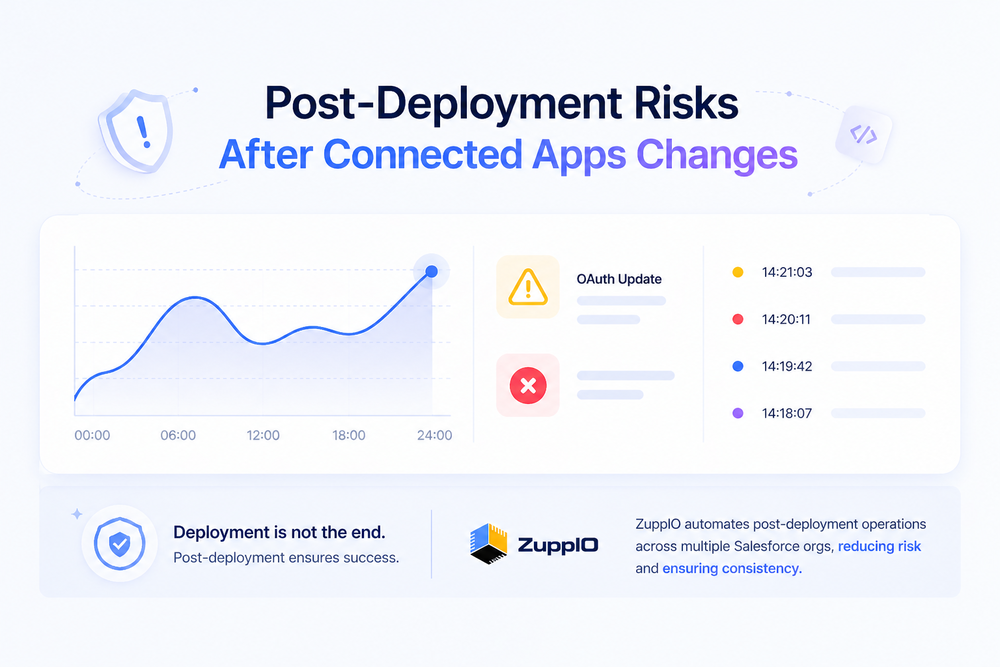
What Are Salesforce Connected Apps Changes
Connected Apps in Salesforce control how external systems authenticate and interact with your org.
Recent changes often include:
- OAuth configuration updates
- PKCE enforcement
- Refresh token rotation policies
- Permission and scope adjustments
- Security tightening for external integrations
For a general overview, see Salesforce documentation
These changes improve security. However, they also impact how integrations behave in production.
Why Post-Deployment Monitoring Is Critical
Connected Apps changes affect runtime behavior, not just configuration.
This means issues may not appear during deployment or testing. Instead, they emerge after release, when:
- integrations start making real API calls
- users begin interacting with the system
- automation triggers in real workflows
Monitoring is the only way to detect these issues early.
Key Post-Deployment Risks to Monitor
After Connected Apps updates, several types of issues can appear.
Authentication Failures
Changes in OAuth settings can break authentication flows.
Common issues include:
- invalid tokens
- failed login flows
- rejected authentication requests
These failures often affect integrations immediately after release.
Token Expiration and Rotation Issues
Token policies may change after updates.
As a result:
- tokens may expire sooner than expected
- refresh tokens may be invalidated
- integrations may fail silently
For example, refresh token rotation introduces stricter lifecycle rules
Broken Integrations
Even if authentication works, integrations may still fail.
This can happen due to:
- outdated configurations
- mismatched endpoints
- incorrect scopes
These issues typically appear only under real production load.
Permission and Access Issues
Connected Apps changes often expose permission inconsistencies.
Teams may notice:
- API access denied errors
- missing data in responses
- restricted functionality
This happens because authentication changes surface underlying access problems.
Unexpected Automation Behavior
Automation processes depend on integrations and permissions.
After changes, teams may see:
- flows failing
- Apex jobs behaving differently
- background processes stopping
These issues can be difficult to trace without monitoring.
What to Monitor After Connected Apps Changes
To detect issues early, teams should monitor key signals after deployment.
These include:
- API errors and authentication logs
- token usage and failures
- integration response status
- permission-related errors
- automation execution results
For a structured approach, see
Monitoring helps identify issues before users report them.
Common Monitoring Gaps
Many teams still rely on incomplete monitoring approaches.
Typical gaps include:
- lack of centralized visibility
- monitoring limited to logs only
- delayed detection of failures
- reactive response instead of proactive validation
As a result, issues are discovered too late — often by end users.
Why Monitoring Alone Is Not Enough
Monitoring helps detect problems. However, it does not resolve them.
Teams still need to:
- fix configurations
- update integrations
- apply changes across environments
This creates a gap between detection and resolution.
From Monitoring to Action
To manage Connected Apps changes effectively, teams need more than visibility.
They need the ability to act quickly and consistently.
This includes:
- applying updates across multiple environments
- correcting configuration differences
- ensuring consistent behavior across orgs
Without this, monitoring becomes reactive rather than operational.
Where ZuppIO Fits in the Process
ZuppIO works as an operational layer between deployment and a working system.
It does not replace monitoring tools or OAuth configuration. Instead, it helps teams act on what monitoring reveals.
For example, teams can:
- execute coordinated updates across multiple orgs
- apply configuration changes consistently
- reduce drift between environments
- manage post-deployment operations at scale
This is especially important when Connected Apps changes impact multiple environments or customer orgs.
As a result, teams can move from reactive troubleshooting to structured, repeatable operations.
Conclusion
Salesforce Connected Apps changes improve security and control. However, they also introduce risks that appear after deployment.
These risks are not visible during deployment. They emerge only in production, where integrations, users, and automation interact.
Therefore, monitoring after deployment is essential. But monitoring alone is not enough.
Teams need structured post-deployment processes and the ability to act on detected issues.
By combining monitoring with operational control, teams can reduce failures, improve consistency, and ensure stable integrations after Connected Apps updates.
What are Salesforce Connected Apps changes?
These are updates to OAuth settings, authentication policies, and integration configurations that control how external systems access Salesforce.
Why do issues appear after deployment?
Because real-world conditions — users, data, and integrations — expose problems that are not visible during testing or deployment.
What should you monitor after Connected Apps updates?
Teams should monitor authentication logs, API errors, token behavior, permissions, and automation processes.
Is monitoring enough after deployment?
No. Monitoring helps detect issues, but teams also need to apply fixes and manage changes across environments.
How do Connected Apps changes affect multiple orgs?
Differences in configuration and environments can cause inconsistent behavior across orgs, making changes harder to manage at scale.