
Why Salesforce Teams Still Handle Post-Deployment Tasks Manually
Salesforce post-deployment tasks are still handled manually by many teams, even in organizations with mature DevOps processes.
While deployment has been significantly improved with CI/CD tools, everything that happens after deployment often remains manual. Teams still update layouts, adjust permissions, and fix configurations across environments by hand.
This creates bottlenecks, increases the risk of errors, and makes scaling difficult. Understanding why Salesforce post-deployment tasks are still manual is the first step toward improving the release process.
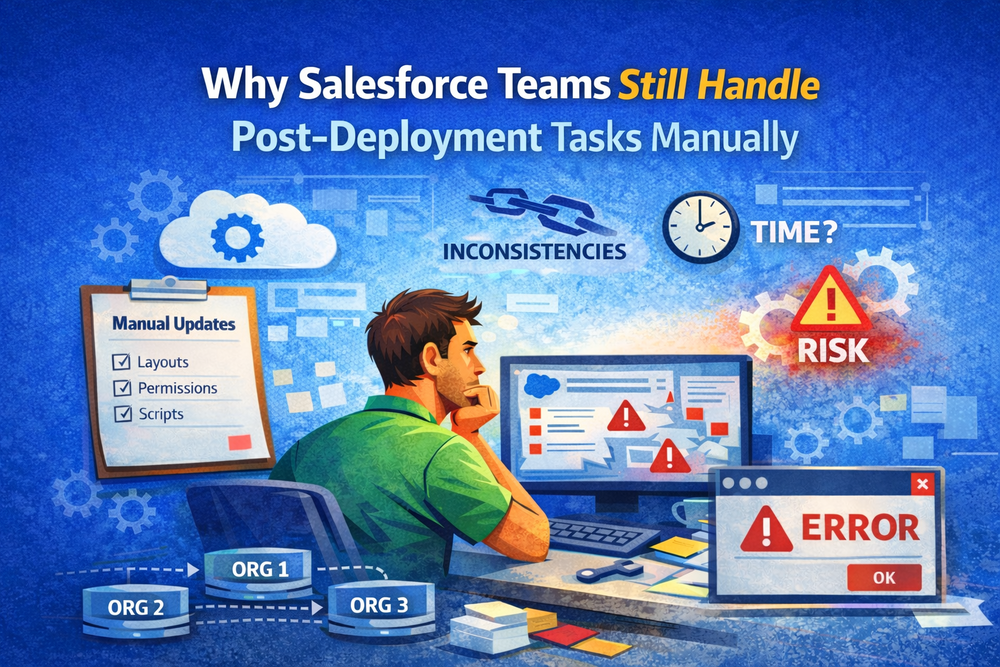
- Updating page layouts
- Synchronizing permissions and profiles
- Adjusting picklist values
- Refreshing reports and dashboards
- Running scripts or data updates
These tasks ensure that a deployment results in a fully functional system.
For a deeper explanation of how to automate these processes, see
Why Teams Still Handle These Tasks Manually
Despite the need for automation, Salesforce post-deployment tasks are still often performed manually. Several factors explain why.
Platform Limitations
Salesforce does not automatically update all components during deployment or package upgrades.
Subscriber-controlled elements such as layouts, permissions, and certain configurations must be updated separately.
More about Salesforce metadata behavior
Multi-Org Complexity
Many Salesforce teams operate across multiple orgs.
Each org may have different configurations, users, and customizations. As the number of environments grows, keeping everything consistent becomes increasingly difficult.
Without centralized control, manual updates remain the default approach.
CI/CD Focuses Only on Deployment
CI/CD tools are designed to deliver code and metadata.
They do not fully address what happens after deployment, such as configuration updates or data changes.
See how CI/CD fits into Salesforce workflows
Lack of Dedicated Automation Tools
There is no widely adopted native solution for handling post-deployment processes in Salesforce.
Teams often rely on custom scripts, internal tools, or manual processes, which are difficult to maintain and scale.
Risk of Breaking Production
Automation introduces risk, especially when working with configurations and data.
Many teams prefer manual control because they fear unintended changes in production environments. This slows down adoption of automation.
What Happens When Work Stays Manual
Handling Salesforce post-deployment tasks manually leads to several problems.
- Increased risk of human error
- Inconsistent environments across orgs
- Slower release cycles
- Higher operational overhead
Over time, this creates technical debt and reduces confidence in the release process.
When Manual Processes Stop Scaling
Manual workflows may work in small environments, but they break down as complexity increases.
- With a few orgs, manual updates are manageable
- With 10+ orgs, they become time-consuming
- With 50+ orgs, they are no longer sustainable
At scale, Salesforce post-deployment tasks must be automated to maintain consistency and efficiency.
Why This Problem Is Often Overlooked
Many teams accept manual post-deployment work as part of the process.
It is rarely tracked, measured, or optimized. As a result, it does not receive the same attention as deployment automation.
This leads to a situation where deployment improves, but the overall release process remains inefficient.
What Needs to Change
To improve release reliability, teams need to treat post-deployment as a separate layer.
This includes:
- Defining standard workflows
- Reducing manual steps
- Automating repetitive tasks
- Ensuring consistency across environments
Recognizing the importance of Salesforce post-deployment tasks is key to building scalable processes.
How Teams Start Automating Post-Deployment Work
Automation usually begins with a structured approach.
- Define a source org as a reference
- Identify required changes
- Select target environments
- Validate updates
- Execute changes at scale
For example, validation and rollback strategies
And large-scale updates across orgs
Tools That Help Reduce Manual Work
Native Salesforce Tools
Salesforce provides basic tools like Change Sets and Metadata API.
However, these tools do not fully support post-deployment processes.
CI/CD Solutions
CI/CD tools improve deployment workflows but do not eliminate manual post-deployment tasks.
Specialized Automation Tools
To fully reduce manual work, teams need tools designed for post-deployment operations.
How ZuppIO Reduces Manual Post-Deployment Tasks
ZuppIO helps teams automate Salesforce post-deployment tasks across multiple environments.
It enables:
- Automated updates to layouts and configurations
- Execution of scripts across orgs
- Centralized control over multiple environments
- Validation before applying changes
Explore related capabilities:
- Mass install and upgrade packages in Salesforce
- Simplify Mass Access Requests
- Mass ZIP Deploys in Salesforce
Conclusion
Salesforce post-deployment tasks are still handled manually not because teams want to, but because of platform limitations and missing tooling.
As environments grow, manual processes become inefficient and difficult to manage.
Improving this layer is essential for building reliable and scalable release workflows.
Until post-deployment processes are automated, deployment alone will not be enough to ensure successful releases.
Why are Salesforce post-deployment tasks still manual?
Because many components are not updated automatically and there are limited native tools to handle these processes at scale.
What are typical post-deployment tasks?
They include updating layouts, syncing permissions, adjusting configurations, and running scripts across environments.
Do CI/CD tools eliminate manual work?
They reduce deployment effort but do not fully automate post-deployment tasks.
When should teams automate post-deployment processes?
Automation becomes critical when managing multiple orgs or scaling releases across environments.